Appearance
What GRAPE MARS is
Step 1 of 12. Next →
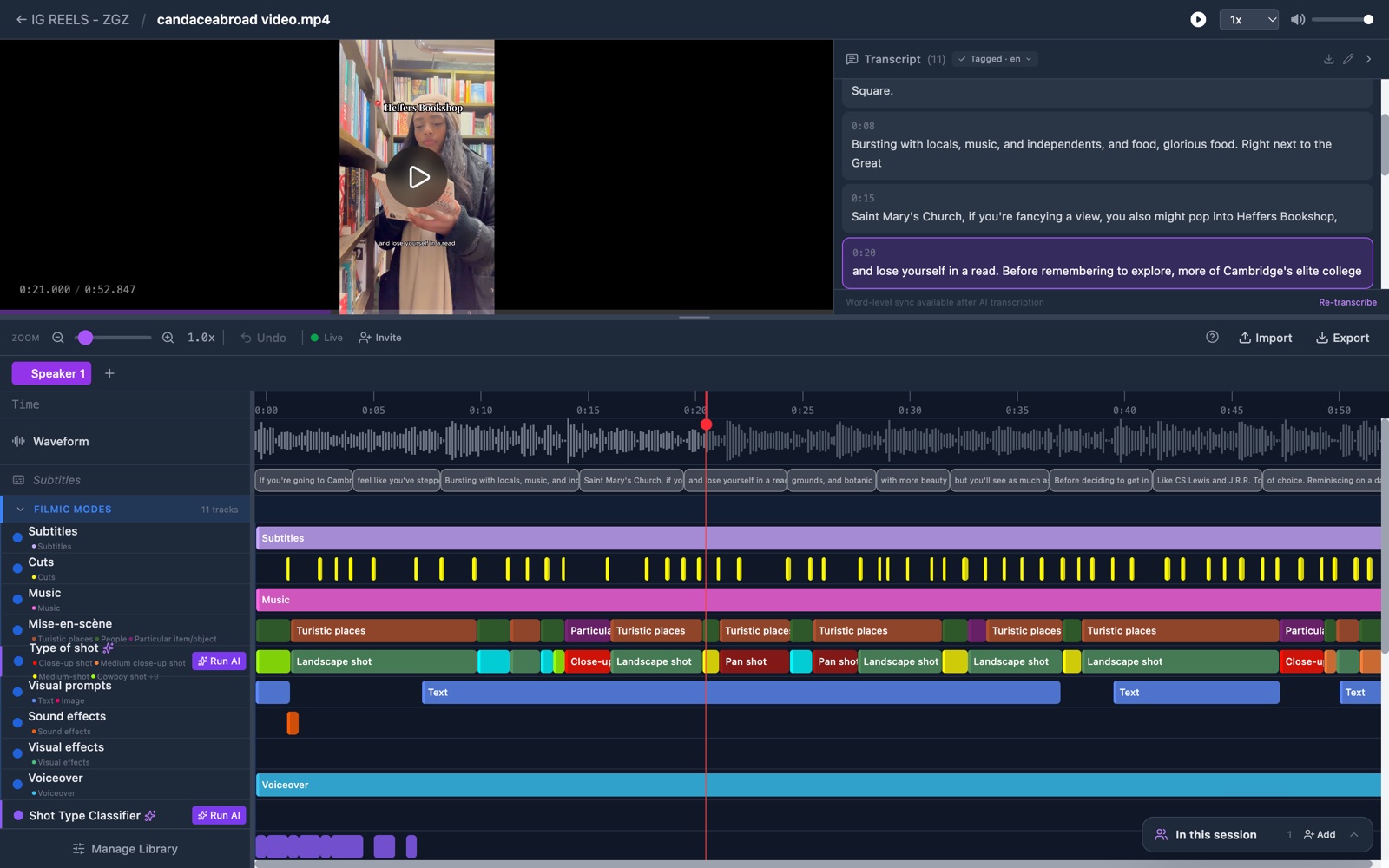
GRAPE MARS is a tool for researchers who study how teachers and students act and talk together. You mark what happens in a video, then count it.
5 words carry most of the product.
- A project is a folder for one study.
- A video is a media file you upload.
- An annotation is a label on a time range of a video.
- A track is one row of the timeline, and it holds one kind of annotation.
- A workspace is a saved page of charts for one project.
This journey has 12 stops. You make an account, a project and a video. You build your types, mark the video, and name the speakers. Then you turn the speech into text, chart it, and share it.
When you're done you'll have: a clear picture of what GRAPE MARS does, and the words this help center uses.