Appearance
Set up your annotation library
Step 5 of 12. ← Previous · Next →
The library is the list of things your study looks for, such as gaze or gesture. Each annotation type you add becomes a track, and a track is the row you draw on.
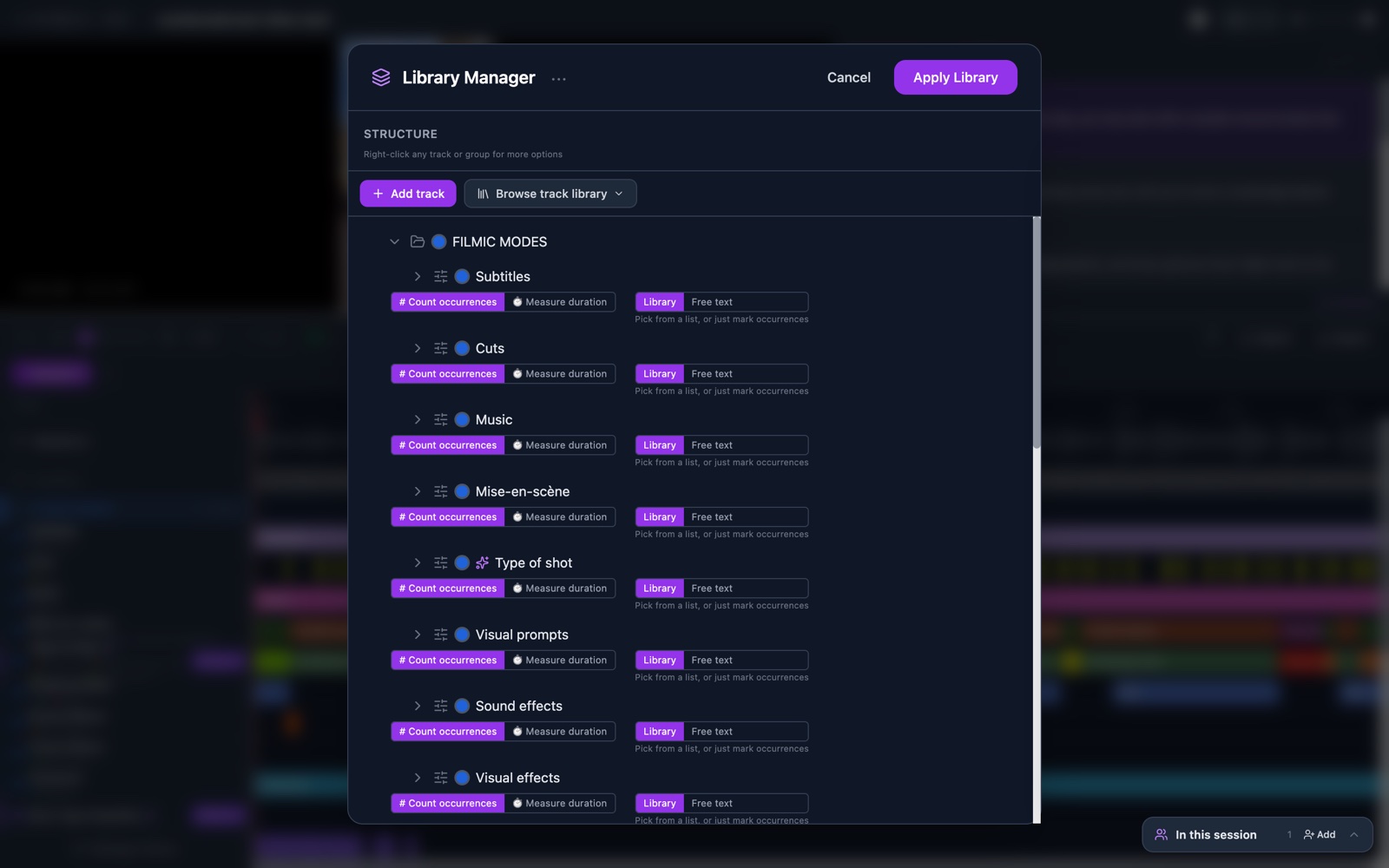
Do it: Build your annotation library
When you're done you'll have: a library of your own, with your tracks in place on the timeline.