Appearance
Add speakers
Step 7 of 12. ← Previous · Next →
Every annotation belongs to one speaker, and a new video starts with only one. Add a tab for each person, and your charts can then tell the teacher and the student apart.
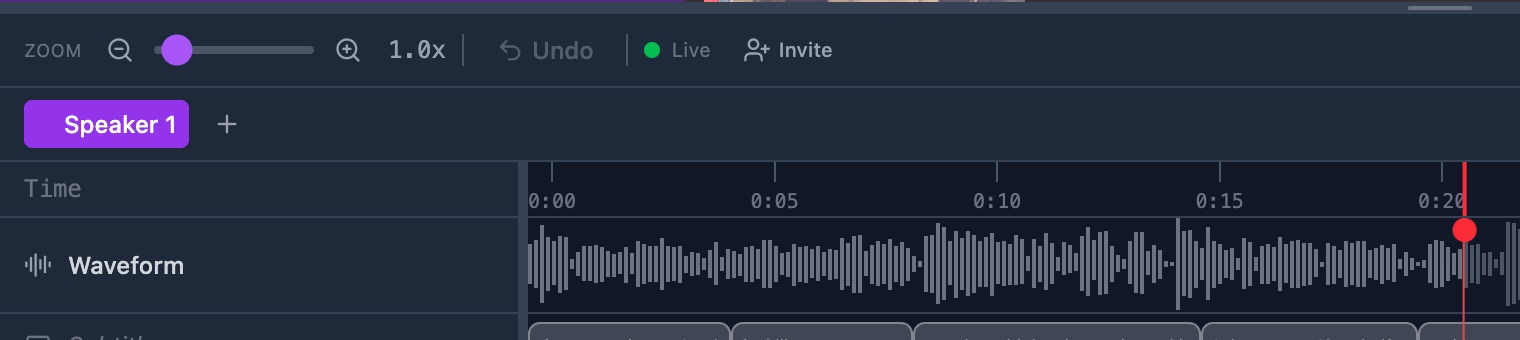
Do it: Add a speaker
When you're done you'll have: one named tab for each person in the video, with its own timeline.