Appearance
Add a speaker
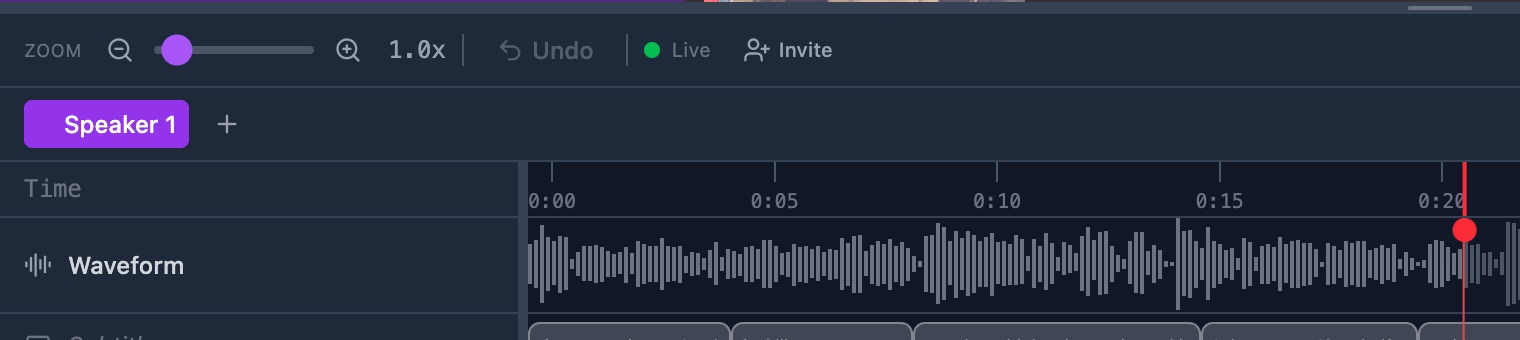
Add a speaker tab to this video. Use one tab for each person you want to code.
Before you start
Steps
- Open the video in the annotator. The speaker tabs sit in a row above the timeline.
- Click the plus button at the end of the row. Its label reads Add speaker. A new tab appears at the end and opens.
- Click the new tab. A box opens with the name in it.
- Type the name of the person, such as
Student A. The box holds your text. - Press Enter. The tab shows the new name.
Check it worked
GRAPE MARS names a new tab Speaker 2, then Speaker 3, and so on. Your own name replaces that.
The new tab is open, and the timeline is empty. Each annotation you make now belongs to this speaker.
You can add as many speakers as you need.