Appearance
Delete your account
Remove your account and everything in it for good. Save what you want to keep first, because there is no undo.
Before you start
- This cannot be undone. GRAPE MARS removes your projects, your videos, and your annotations.
- Save what you want to keep first. Export it, or ask a partner to copy it to a project of their own.
- Know your password. GRAPE MARS asks for it before it removes anything.
- Do you only want to step away for a while? Then sign out instead.
Steps
- Open Settings from the bar at the top of the page. The settings page opens.
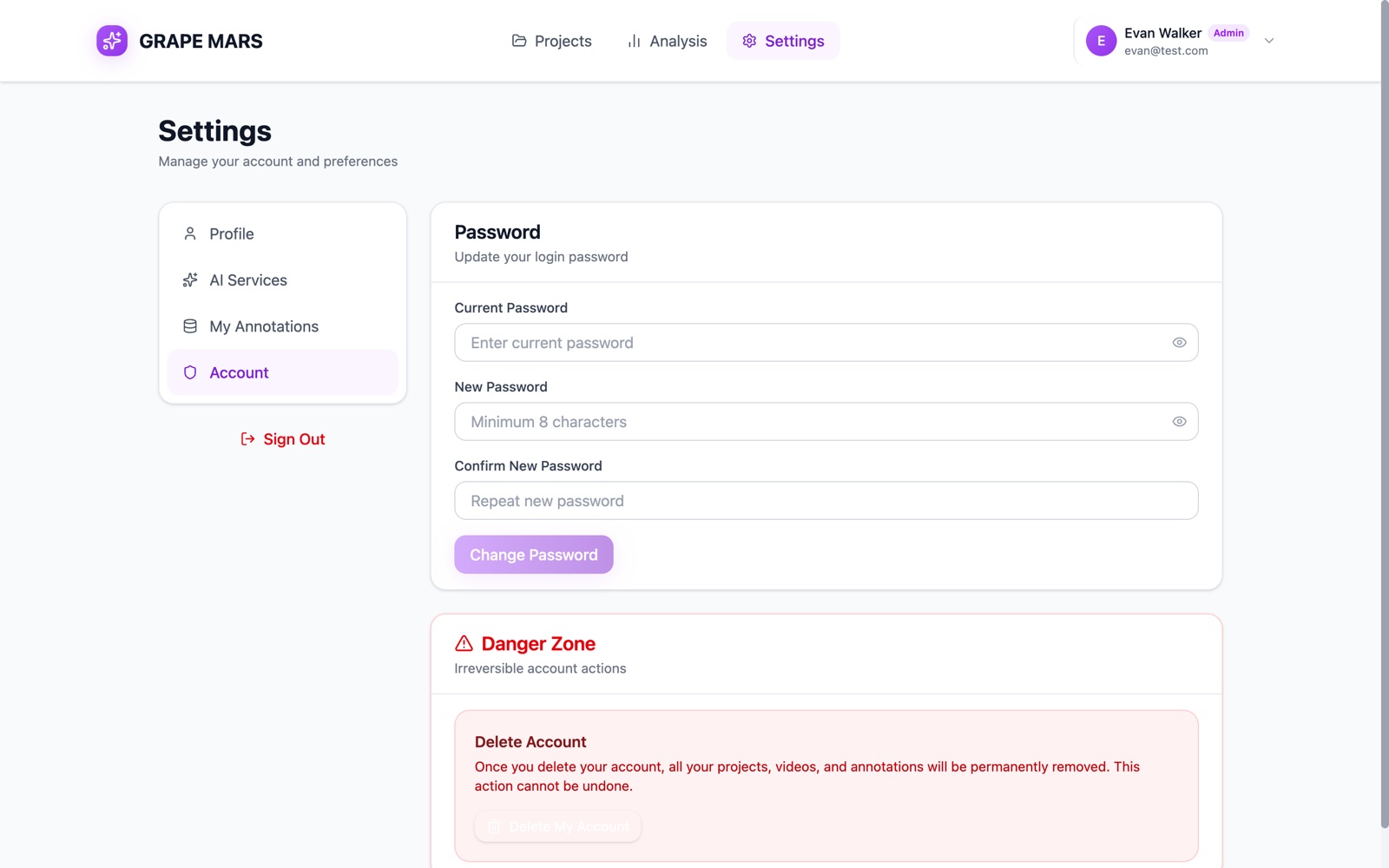
- Click Account in the list on the left. A red Danger Zone card sits at the foot of the page.
- Click Delete My Account. A red box opens.
- Type
delete my accountin the box. Type the 3 words in small letters. - Type your password in the password box. The box hides the letters.
- Click Permanently Delete. GRAPE MARS signs you out and opens the sign-in page.
(This is new in the next update. Until then the button only signs you out and does not delete your data; ask your administrator to delete your account.)
Permanently Delete stays grey until the 3 words match. A wrong password gives a red line, and nothing is removed.
To stop at any point, click Cancel. Nothing happens, and the red box closes.
If you sign in with Google
Google holds your password, so GRAPE MARS has none to check. You cannot delete your account here. The card shows a note instead. Ask your administrator to remove your account.
Check it worked
The sign-in page opens. Sign in again with the same email. The red line Invalid credentials means the account is gone.
If something goes wrong
If it still does not work: contact support. Include the date and time, and the exact words on the screen.