Appearance
Settings
What this screen is for: to hold everything that belongs to you and not to a project.
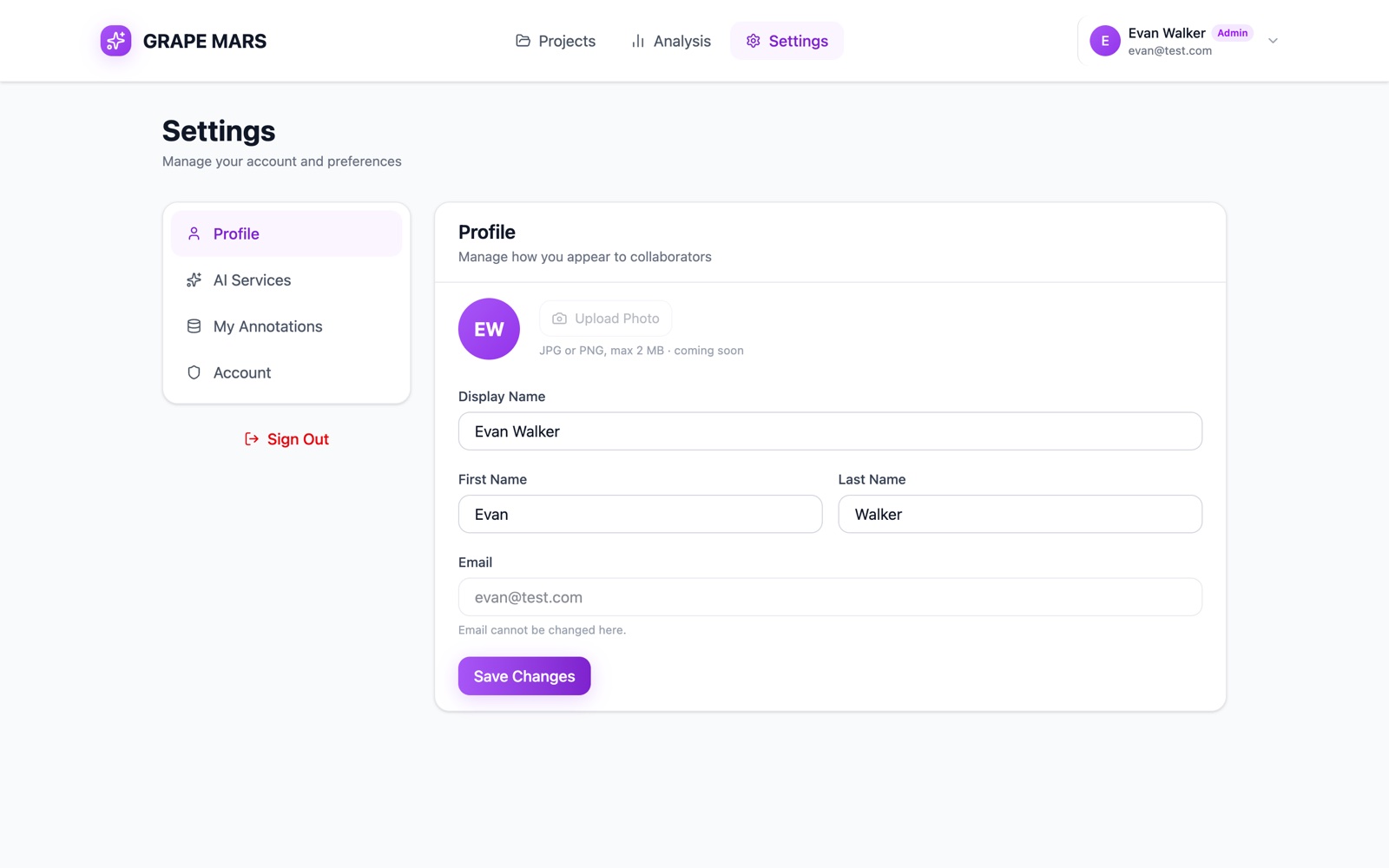
Open it from Settings in the bar at the top of the page. It has 4 tabs. The list on the left moves you between them, and each tab has its own web address.
- Profile (
/settings/profile): your given name and your family name. Your display name is built from them. Your email is shown but locked. Upload Photo is gray and marked coming soon. - AI Services (
/settings/ai): one card for Mistral AI and one for Google Gemini, where you add your own AI key. An AI Transcription card below them shows that transcripts are free for everybody. - My Annotations (
/settings/annotations): your own annotation types, grouped into named sets. These sets are yours alone. They do not change the library of any project. - Account (
/settings/account): a Password card at the top. A red Danger Zone card sits at the foot, with Delete My Account. - Sign Out: a red button under the list on the left. It ends your sign-in at once.
The menu behind your name at the top right holds short cuts. Account Settings opens the Account tab. AI Connections opens the AI Services tab. An admin account also sees Admin Dashboard, which opens the admin pages.
Actions you can take here
- Edit your profile
- Connect a Mistral or Google Gemini AI key
- Choose how transcription runs
- Manage your annotation types and sets
- Change your password
- Delete your account
- Sign out, and what an expired session looks like