Appearance
Transcribe a video with AI
Get a transcript of the speech in a video, with a time for every word. It is free and needs no key.
Before you start
Steps
- Open the video in the annotator. The transcript panel sits at the right of the player.
- Click the Transcript bar if the panel is closed. The panel opens and reads
No transcript loaded. - Click Transcribe with AI. The panel reads Transcribing… with a note under it.
- Wait for the text. The words appear in the panel.
Check it worked
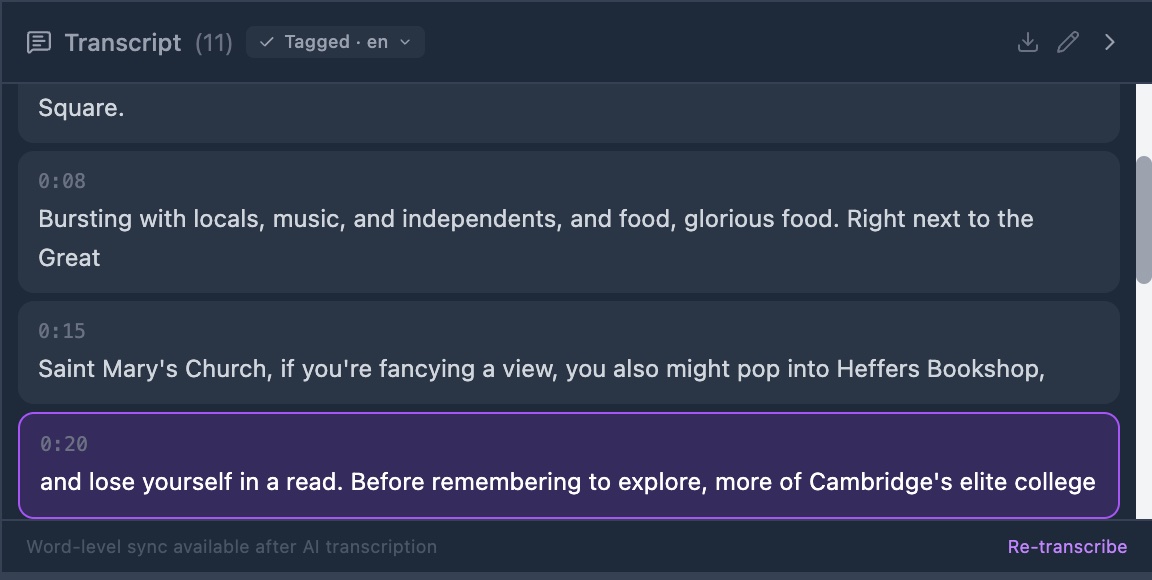
The header shows the word Transcript, the number of lines, and a word sync badge. Play the video: each word lights up as it is said.
The toolbar under the player has a Transcribe button as well. It does the same thing. Both hide once the video has a transcript.
A run stops after 2 minutes. The panel then reads Transcription timed out after 2 minutes. Try a shorter video.