Appearance
Read the project overview
Read the 4 numbers that say how far this project has come.
Before you start
- Project: what a project holds.
- Annotation: what the counts count.
Steps
- Open the Projects page. GRAPE MARS lists your projects.
- Click the card of your project. Its video list opens.
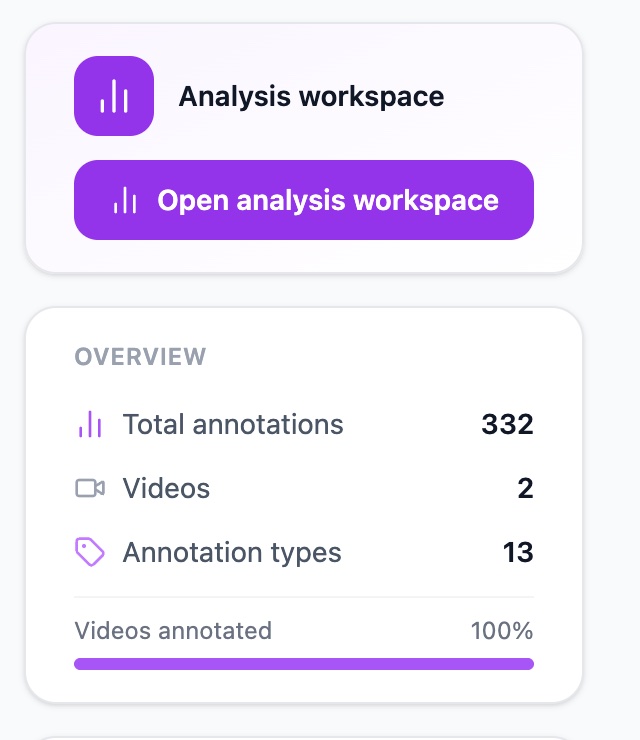
- Open the Overview card on the right. You see four rows.
The four rows are:
- Total annotations: every annotation in this project.
- Videos: how many videos the project holds.
- Annotation types: how many annotation types the project's library has. (Until the next update this number counts all the types you have ever created.)
- Videos annotated: the share of videos with work on them, as a bar.
For more, click Project settings below. That page adds Collaborators. It also lists Owner, Your Role, Created and Last Updated. Your role says what you may change here.
Check it worked
The Overview card shows a number on each row. A new project shows three counts, all at zero: Total annotations, Videos and Annotation types. The Videos annotated row appears once the project has a video.